
Tutoriel d'assemblage Remora v1.3
-
Bonsoir,
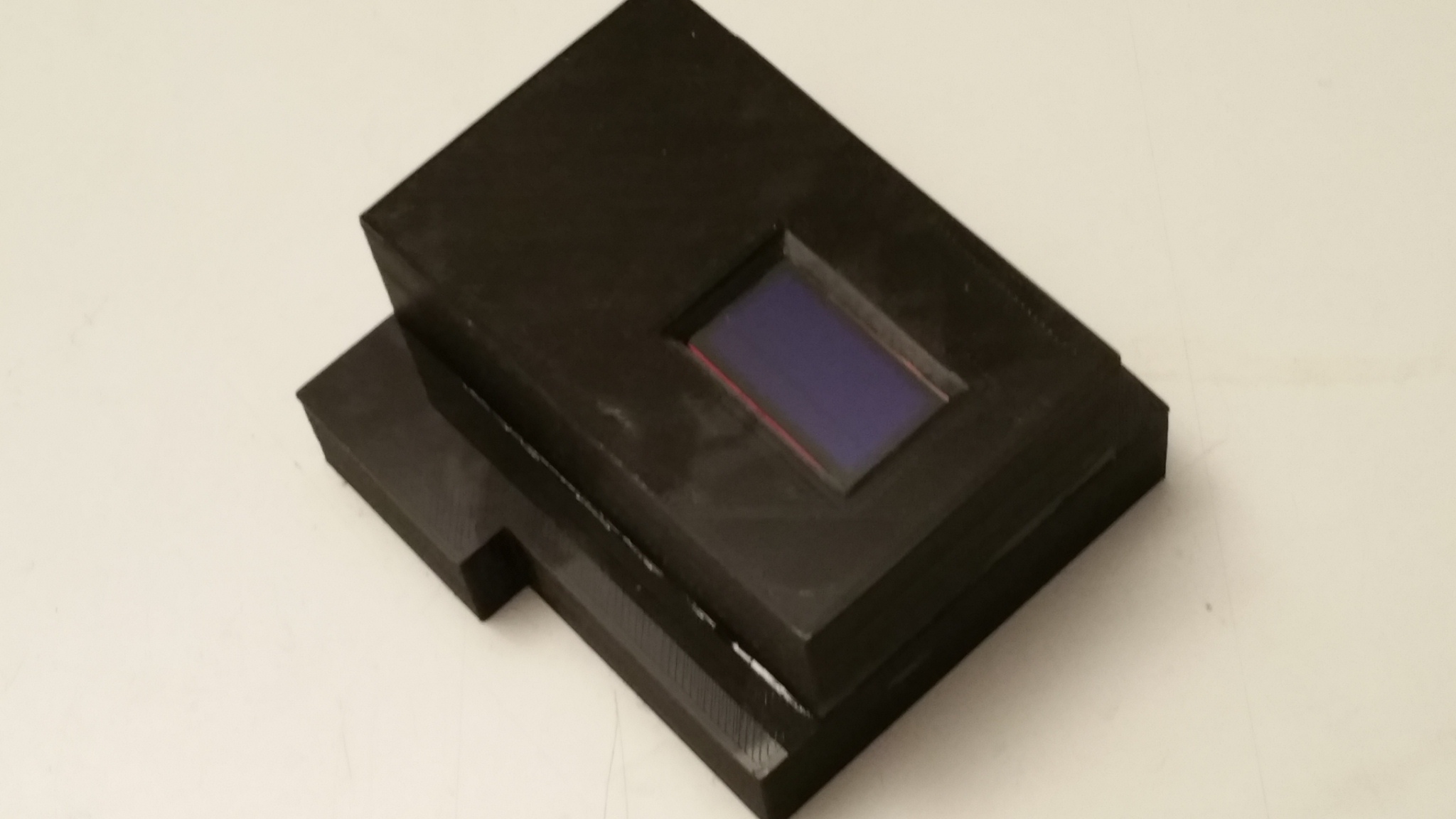
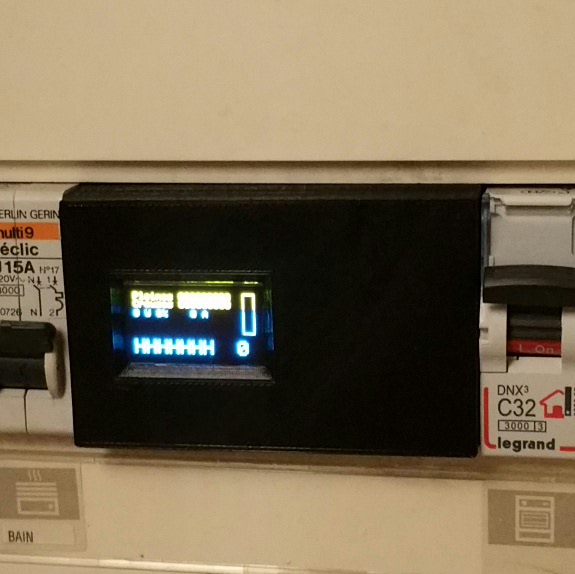
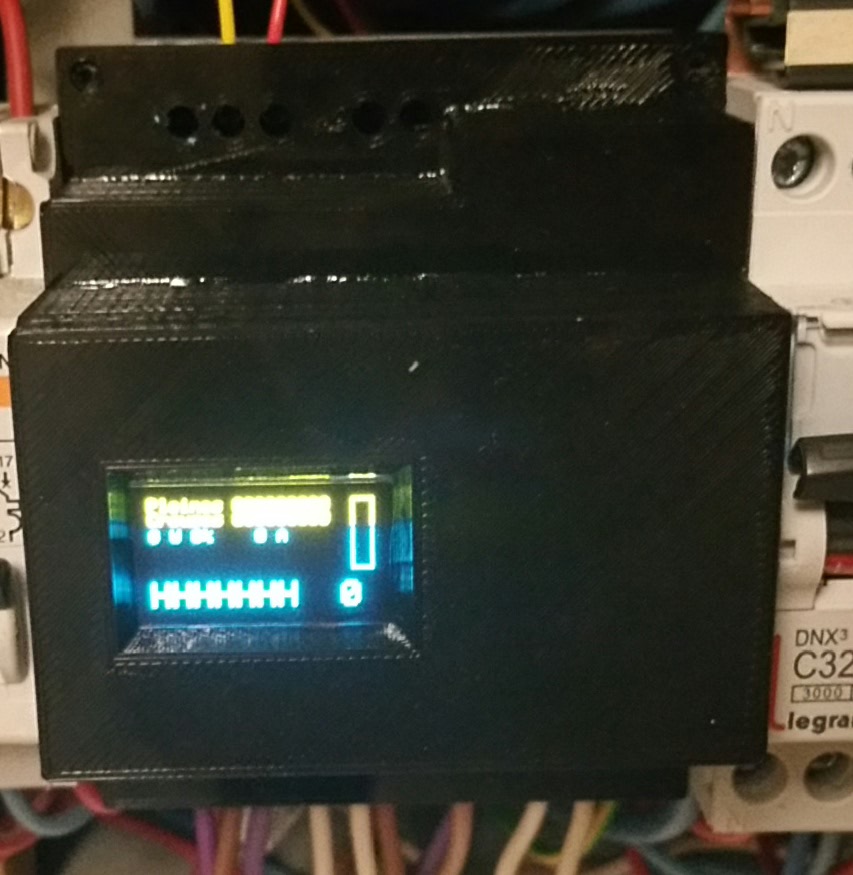
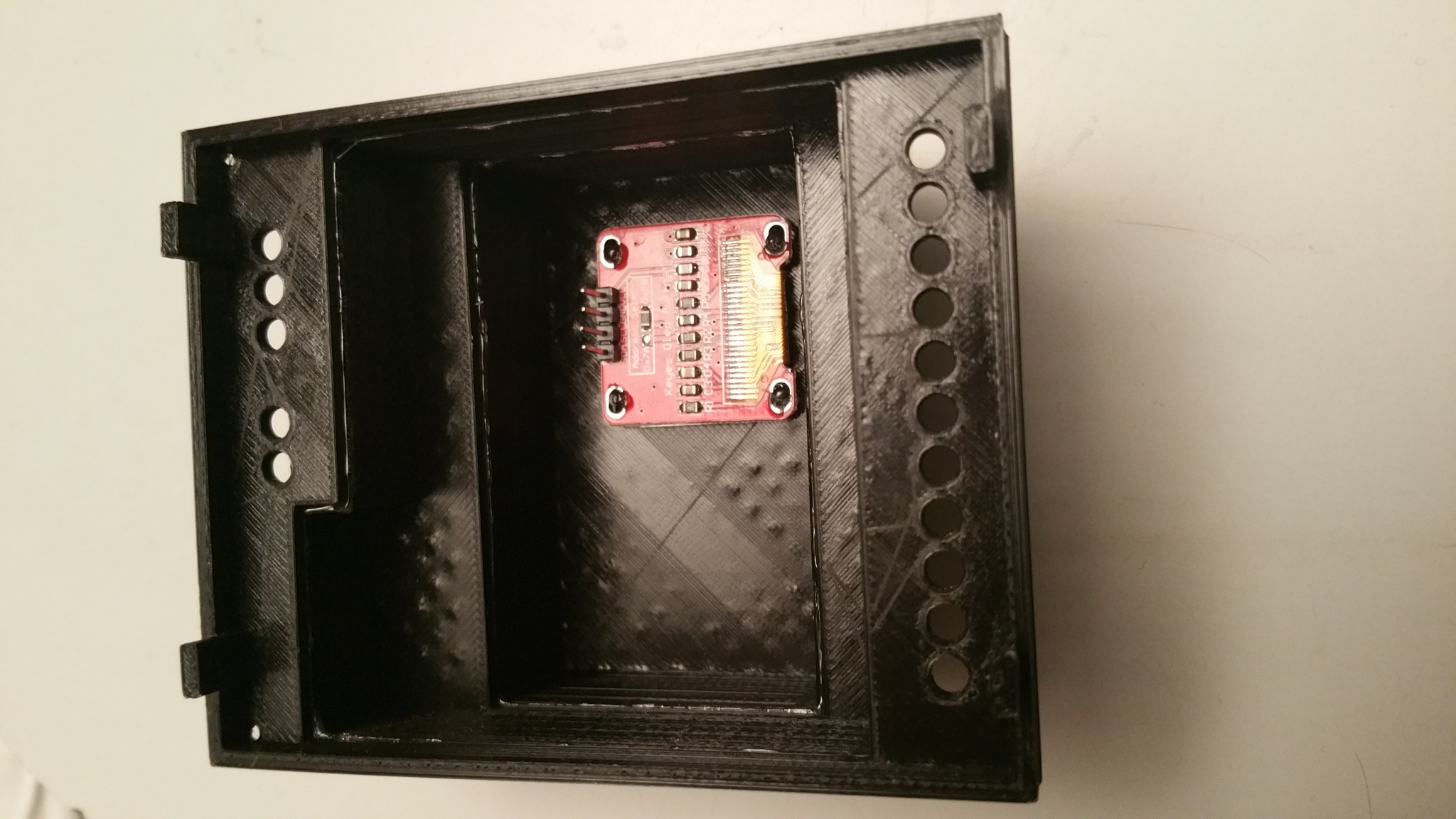
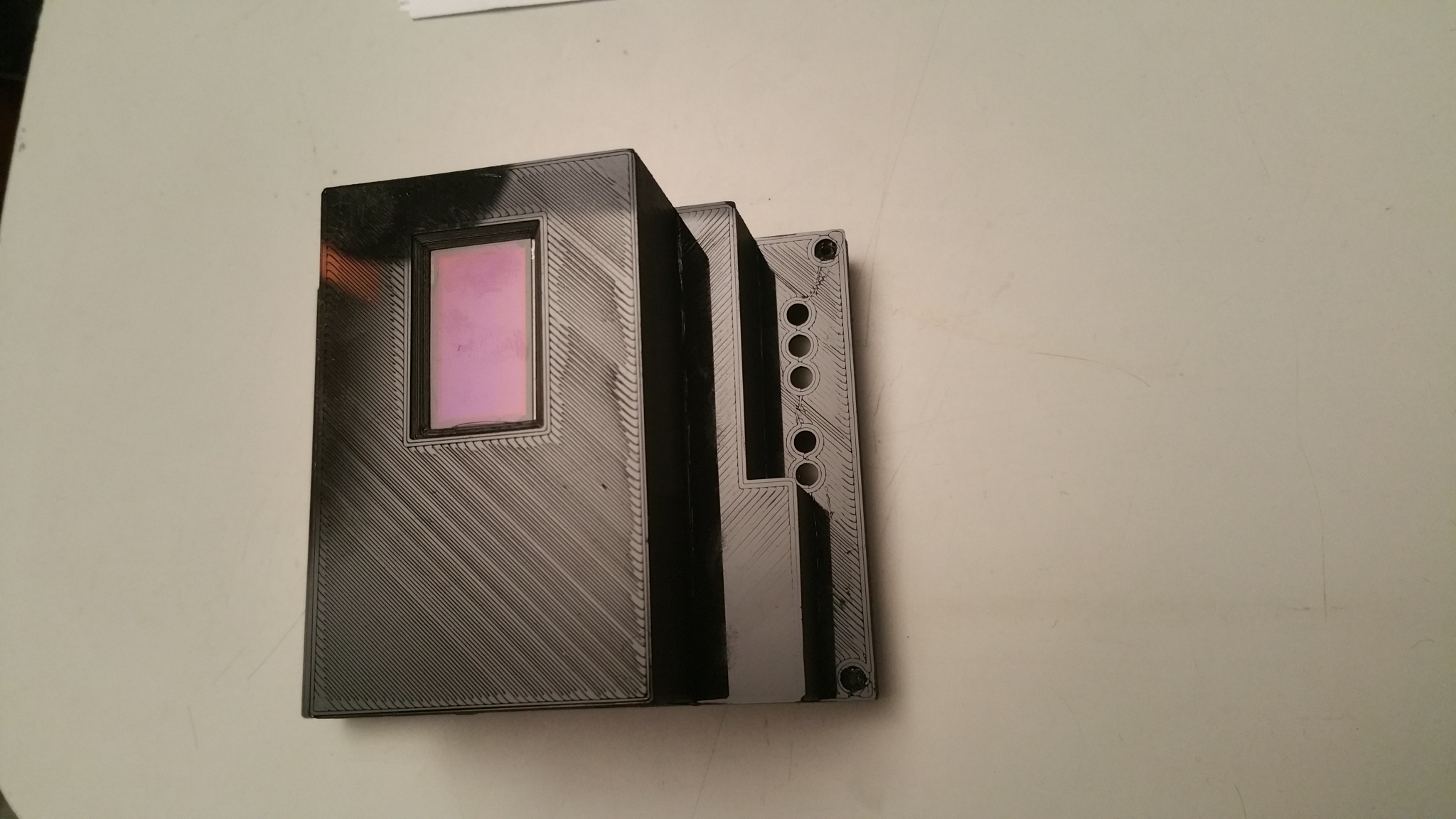
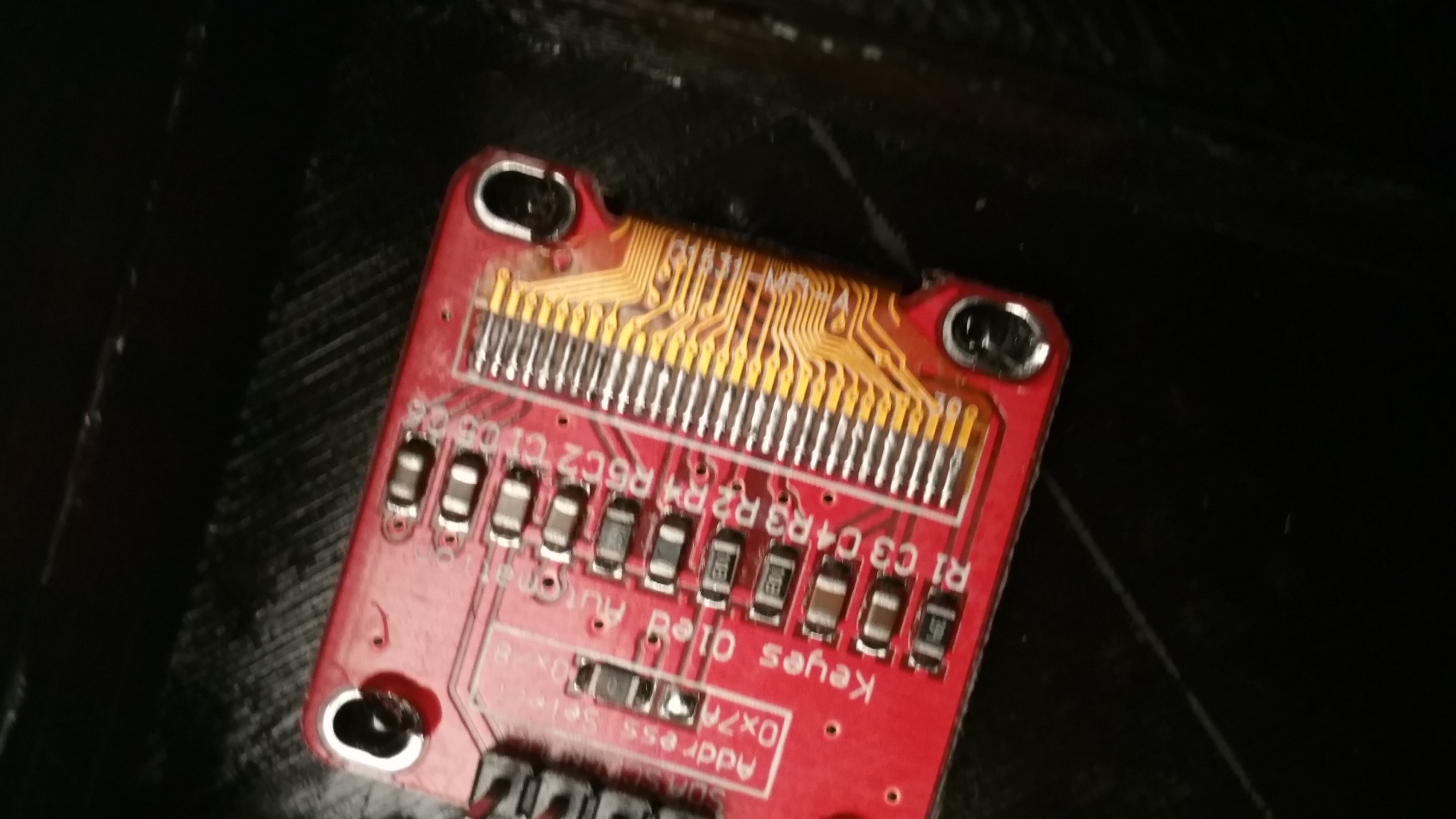
Je vous présente mon capot avec écran.
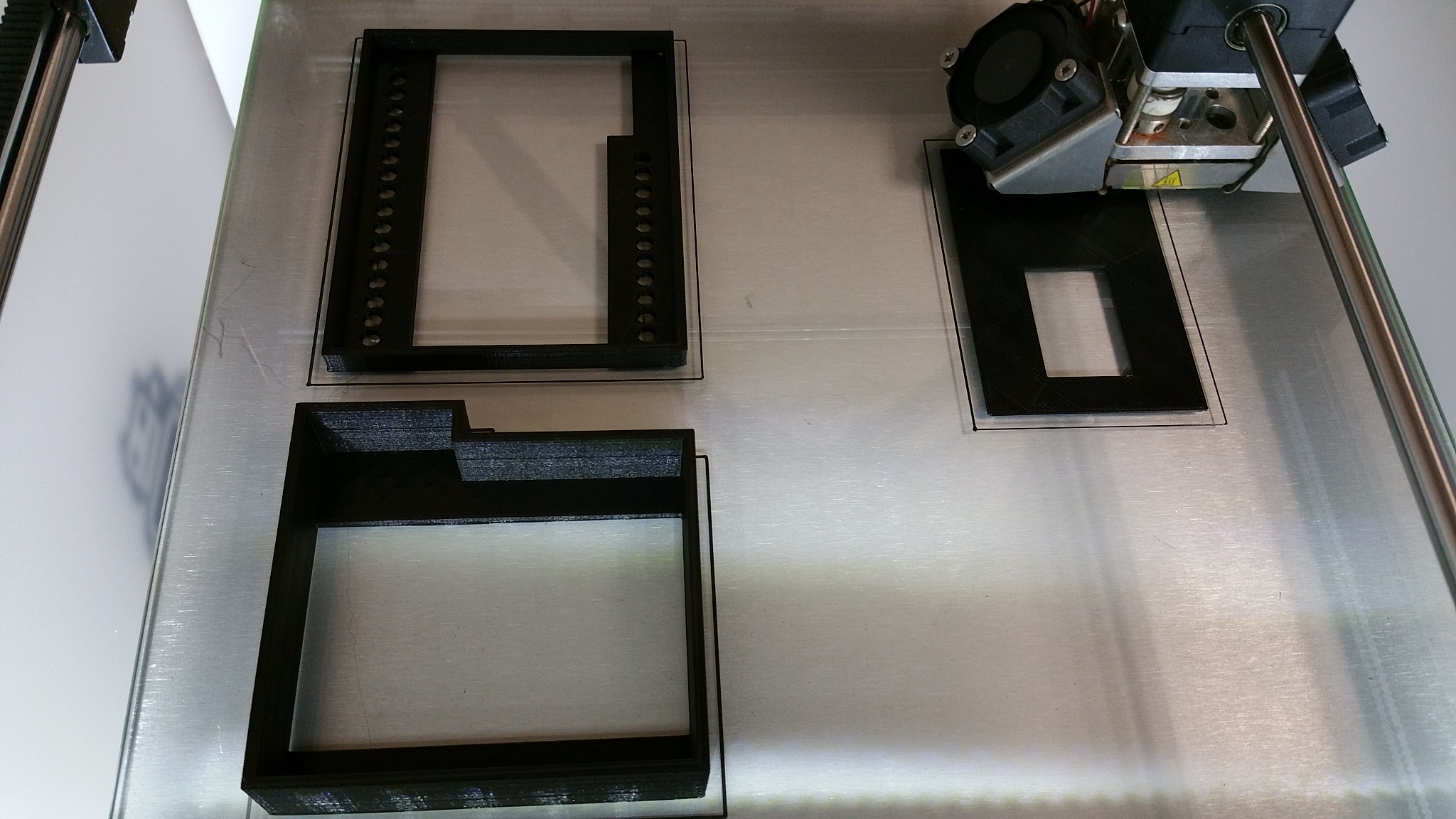
L'impression:
Assemblage:
Intégration au tableau:
-
Je serais intéressé pour en faire une. Pour le support rail DIN tu utilises un print ou une base DIN d'une boite 4U ? La dimension est bien en 4U ?
-
Ci dessous les .stl pour reproduire le capot.
0_1453446057995_1-remora.STL
0_1453446113783_2-remora.STL
0_1453446130972_3-remora.STL -
Ce serait pas mal un export dans un format manipulable par onshape :
Parasolid v10 to v27
ACIS up to 21
STEP AP203 and AP214 (Geometry only)
IGES up to 5.3
CATIA v4 from 4.15 to 4.24
CATIA v5 from R7 to R25 (v5-6R2015)
CATIA v6 R2010x to R2013x
SolidWorks 1999 to 2015
Inventor 9 up to 2015
Pro/ENGINEER, Creo from Pro/E 2000i to Creo Parametric 3.0
JT formats up to 10 -
Bon ba je vais attendre les sources parce que les clips de la base ne sont pas comme sur mon boitier. En plus mon extrudeur a décidé de me faire des misères et j'ai besoin d'une bonne calibration avec le changement de bobine. Alors je ne vais pas imprimer ça tout de suite !
-
Salut,
J'ai reçu le kit Remora en décembre dernier car très intéressé par ce module pour commander mes radiateurs par fil pilote, mais je suis totalement ignare et incompétent en électronique, donc un peu perdu...
Pour ce qui est du montage du kit, j'ai pu faire un appel à un ami, donc ça, c'est fait
Je souhaite maintenant passer à l'étape suivante qui est, si j'ai bien compris, l'installation du logiciel. J'ai suivi les instructions ici: https://github.com/hallard/remora_soft mais j'ai des erreurs de compilation:Arduino : 1.6.7 (Windows 7), Carte : "NodeMCU 1.0 (ESP-12E Module), 80 MHz, Serial, 115200, 4M (3M SPIFFS)" sketch\LibMCP23017.cpp: In function 'void wiresend(uint8_t)': LibMCP23017.cpp:28: error: 'Wire' was not declared in this scope Wire.write((uint8_t) x); ^ sketch\LibMCP23017.cpp: In function 'uint8_t wirerecv()': LibMCP23017.cpp:36: error: 'Wire' was not declared in this scope return Wire.read(); ^ sketch\LibMCP23017.cpp: In member function 'uint8_t Adafruit_MCP23017::readRegister(uint8_t)': LibMCP23017.cpp:61: error: 'Wire' was not declared in this scope Wire.beginTransmission(MCP23017_ADDRESS | i2caddr); ^ sketch\LibMCP23017.cpp: In member function 'void Adafruit_MCP23017::writeRegister(uint8_t, uint8_t)': LibMCP23017.cpp:74: error: 'Wire' was not declared in this scope Wire.beginTransmission(MCP23017_ADDRESS | i2caddr); ^ sketch\LibMCP23017.cpp: In member function 'void Adafruit_MCP23017::begin(uint8_t)': LibMCP23017.cpp:109: error: 'Wire' was not declared in this scope Wire.begin(); ^ sketch\LibMCP23017.cpp: In member function 'uint16_t Adafruit_MCP23017::readGPIOAB()': LibMCP23017.cpp:139: error: 'Wire' was not declared in this scope Wire.beginTransmission(MCP23017_ADDRESS | i2caddr); ^ sketch\LibMCP23017.cpp: In member function 'uint8_t Adafruit_MCP23017::readGPIO(uint8_t)': LibMCP23017.cpp:159: error: 'Wire' was not declared in this scope Wire.beginTransmission(MCP23017_ADDRESS | i2caddr); ^ sketch\LibMCP23017.cpp: In member function 'void Adafruit_MCP23017::writeGPIOAB(uint16_t)': LibMCP23017.cpp:175: error: 'Wire' was not declared in this scope Wire.beginTransmission(MCP23017_ADDRESS | i2caddr); ^ exit status 1 'Wire' was not declared in this scopeQu'ai-je mal fait ?
D'autre part, concernant l'étape "choisir la carte NodeMCU 1.0 (ESP12E-Module) ainsi que le bon serial port", pour le carte j'ai trouvé mais je n'ai aucune idée de quel est "le bon serial port" !
Quelqu'un pour m'aider ?
Merci,
Ren -
Salut,
J'ai reçu le kit Remora en décembre dernier car très intéressé par ce module pour commander mes radiateurs par fil pilote, mais je suis totalement ignare et incompétent en électronique, donc un peu perdu...
Pour ce qui est du montage du kit, j'ai pu faire un appel à un ami, donc ça, c'est fait
Je souhaite maintenant passer à l'étape suivante qui est, si j'ai bien compris, l'installation du logiciel. J'ai suivi les instructions ici: https://github.com/hallard/remora_soft mais j'ai des erreurs de compilation:Arduino : 1.6.7 (Windows 7), Carte : "NodeMCU 1.0 (ESP-12E Module), 80 MHz, Serial, 115200, 4M (3M SPIFFS)" sketch\LibMCP23017.cpp: In function 'void wiresend(uint8_t)': LibMCP23017.cpp:28: error: 'Wire' was not declared in this scope Wire.write((uint8_t) x); ^ sketch\LibMCP23017.cpp: In function 'uint8_t wirerecv()': LibMCP23017.cpp:36: error: 'Wire' was not declared in this scope return Wire.read(); ^ sketch\LibMCP23017.cpp: In member function 'uint8_t Adafruit_MCP23017::readRegister(uint8_t)': LibMCP23017.cpp:61: error: 'Wire' was not declared in this scope Wire.beginTransmission(MCP23017_ADDRESS | i2caddr); ^ sketch\LibMCP23017.cpp: In member function 'void Adafruit_MCP23017::writeRegister(uint8_t, uint8_t)': LibMCP23017.cpp:74: error: 'Wire' was not declared in this scope Wire.beginTransmission(MCP23017_ADDRESS | i2caddr); ^ sketch\LibMCP23017.cpp: In member function 'void Adafruit_MCP23017::begin(uint8_t)': LibMCP23017.cpp:109: error: 'Wire' was not declared in this scope Wire.begin(); ^ sketch\LibMCP23017.cpp: In member function 'uint16_t Adafruit_MCP23017::readGPIOAB()': LibMCP23017.cpp:139: error: 'Wire' was not declared in this scope Wire.beginTransmission(MCP23017_ADDRESS | i2caddr); ^ sketch\LibMCP23017.cpp: In member function 'uint8_t Adafruit_MCP23017::readGPIO(uint8_t)': LibMCP23017.cpp:159: error: 'Wire' was not declared in this scope Wire.beginTransmission(MCP23017_ADDRESS | i2caddr); ^ sketch\LibMCP23017.cpp: In member function 'void Adafruit_MCP23017::writeGPIOAB(uint16_t)': LibMCP23017.cpp:175: error: 'Wire' was not declared in this scope Wire.beginTransmission(MCP23017_ADDRESS | i2caddr); ^ exit status 1 'Wire' was not declared in this scopeQu'ai-je mal fait ?
D'autre part, concernant l'étape "choisir la carte NodeMCU 1.0 (ESP12E-Module) ainsi que le bon serial port", pour le carte j'ai trouvé mais je n'ai aucune idée de quel est "le bon serial port" !
Quelqu'un pour m'aider ?
Merci,
Ren@Ren
Salut Ren, je pense qu'il te manque la library Wire. Dans Arduino, dans le menu Croquis, va dans le sous menu Include Library voir si tu trouves la ligne Wire.
Pour ma part, j'avais aussi commencé par utiliser Arduino 1.6.7 mais en relisant bien le tuto, il était bien écrit d'utiliser la version 1.6.5, ce que j'ai fait et je n'avais plus d'erreur de compile.
 .
.
 .
.
Hello! It looks like you're interested in this conversation, but you don't have an account yet.
Getting fed up of having to scroll through the same posts each visit? When you register for an account, you'll always come back to exactly where you were before, and choose to be notified of new replies (either via email, or push notification). You'll also be able to save bookmarks and upvote posts to show your appreciation to other community members.
With your input, this post could be even better 💗
Register Login